Guide · · 2 min read
How much does a custom gaming PC cost in 2027?
An honest breakdown from the bench: what each budget really buys, where to spend, where to save, and the traps that make cheap PCs expensive.
“How much should I spend on a gaming PC?” is the question we hear most at our Berkeley shop. The honest answer: it depends on your monitor and your games more than anything else. Here’s how we think about it, using the typical budgets our customers spend on complete builds (parts + assembly + tuning).
Quick answer
| Budget | Target | Great for |
|---|---|---|
| $1,100 – $1,600 | 1080p, high refresh | Valorant, CS2, Fortnite, Apex, League |
| $1,800 – $2,800 | 1440p ultra | AAA games maxed, streaming on one PC |
| $3,200+ | 4K / path tracing / VR | No-compromise gaming, sim rigs |
| Custom quote | Creator & AI | Editing, 3D, local LLMs, ML |
Component prices, especially graphics cards and memory, move constantly. Treat these as ranges; we quote live prices before ordering.
Start with your monitor
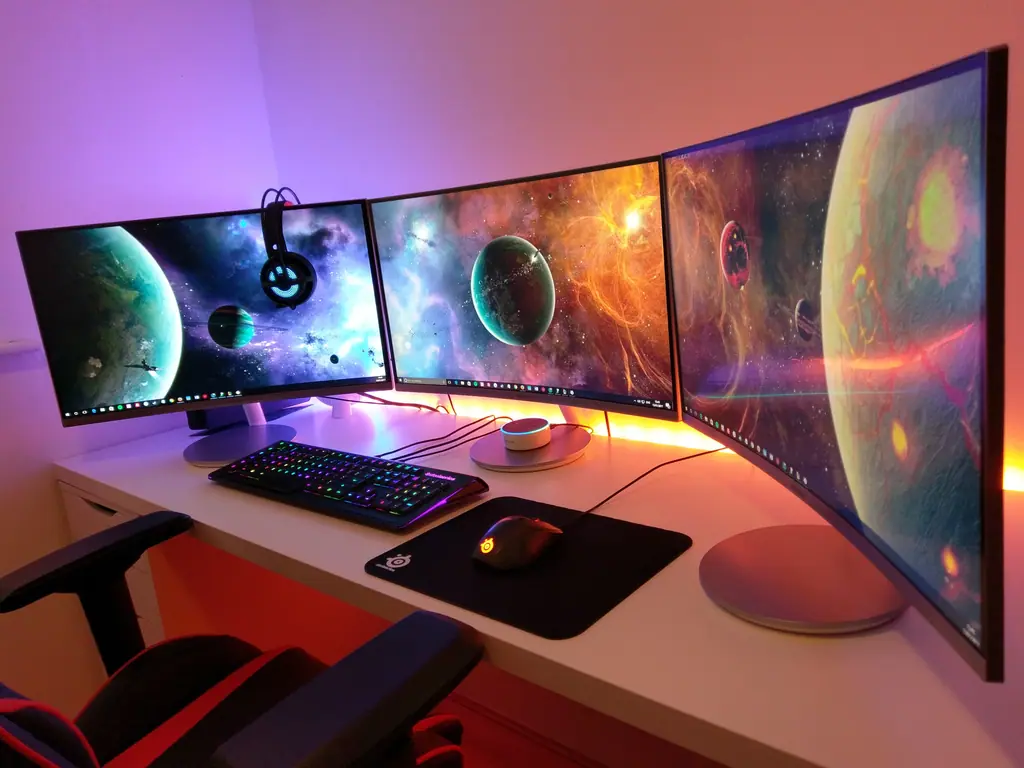
A PC is only as good as the screen it drives. A 1080p 240 Hz esports monitor and a 4K 144 Hz OLED need completely different graphics cards. Decide your resolution and refresh rate first, then pick the GPU that can feed it, then build everything else around that GPU.
Where to spend
- Graphics card: typically 35–50% of a gaming budget. It decides your frame rate more than anything else.
- Power supply: never cheap out. A quality, efficiency-rated PSU protects every other part.
- Memory: 32 GB of dual-channel DDR5 is today’s sweet spot for gaming. Creators and AI users should go higher.
- Storage: a fast NVMe SSD for your OS and games. Load times matter.
Where to save
- Motherboard: mid-range boards are plenty for most gamers. Pay for features you’ll use, not RGB heatsinks.
- CPU: for pure gaming at 1440p and 4K, the GPU matters more. Gaming-focused chips with large cache offer great value.
- RGB: fun, but it doesn’t add frames. Budget it last.
The hidden costs of “cheap” prebuilts
Many budget prebuilts save money on the parts you can’t see in photos: bargain power supplies, single-stick memory running at slow speeds, and cases with poor airflow. They often ship loaded with trial software. A custom build puts that money into parts that actually improve performance and longevity.
Don’t forget the extras
Windows license, monitor, keyboard, mouse and headset can add a few hundred dollars. If you’re upgrading from an older PC, some parts (storage, peripherals, sometimes the case) can often be reused.
Our recommendation
For most Bay Area gamers, the 1440p Enthusiast tier ($1,800–$2,800) is the sweet spot: it looks dramatically better than 1080p, handles streaming, and stays relevant for years. Want a precise number? Use our build configurator and we’ll send you an itemized quote.
Need a hand?
Talk to a technician at American Tech.