Guide · · 2 min read
Spilled liquid on your laptop? Do this in the next 60 seconds.
What you do in the first minute decides whether this is a cleaning or a new laptop. Here’s the technician-approved checklist.
Right now
- Power off immediately. Hold the power button until it shuts down. Don’t save your work first.
- Unplug the charger and any accessories.
- Tip it over. Open the laptop in a tent shape (upside-down V) so liquid drains away from the board.
- Wipe what you can reach with a lint-free cloth. Don’t shake it.
Do NOT
- Don’t turn it back on “to check.” Electricity plus liquid is what causes short circuits and corrosion.
- Don’t use rice. It doesn’t reach inside the laptop and can’t remove the sugar, minerals and acids left behind.
- Don’t use a hair dryer. Heat can push liquid deeper and damage components.
- Don’t wait a week. Corrosion starts within hours, especially with coffee, soda or juice.
Why professional cleaning works
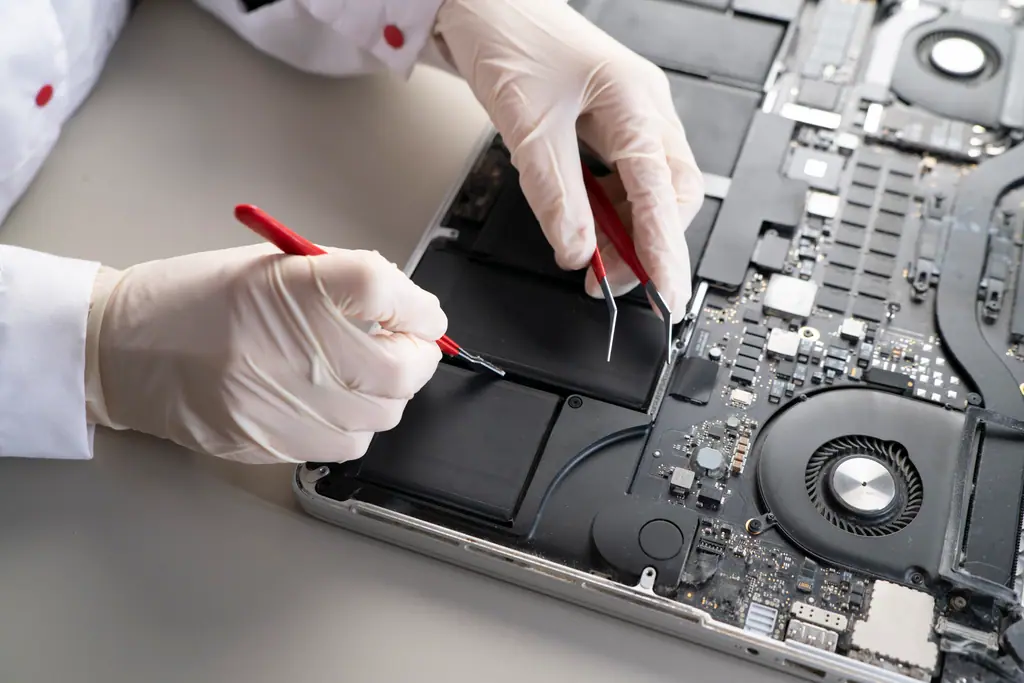
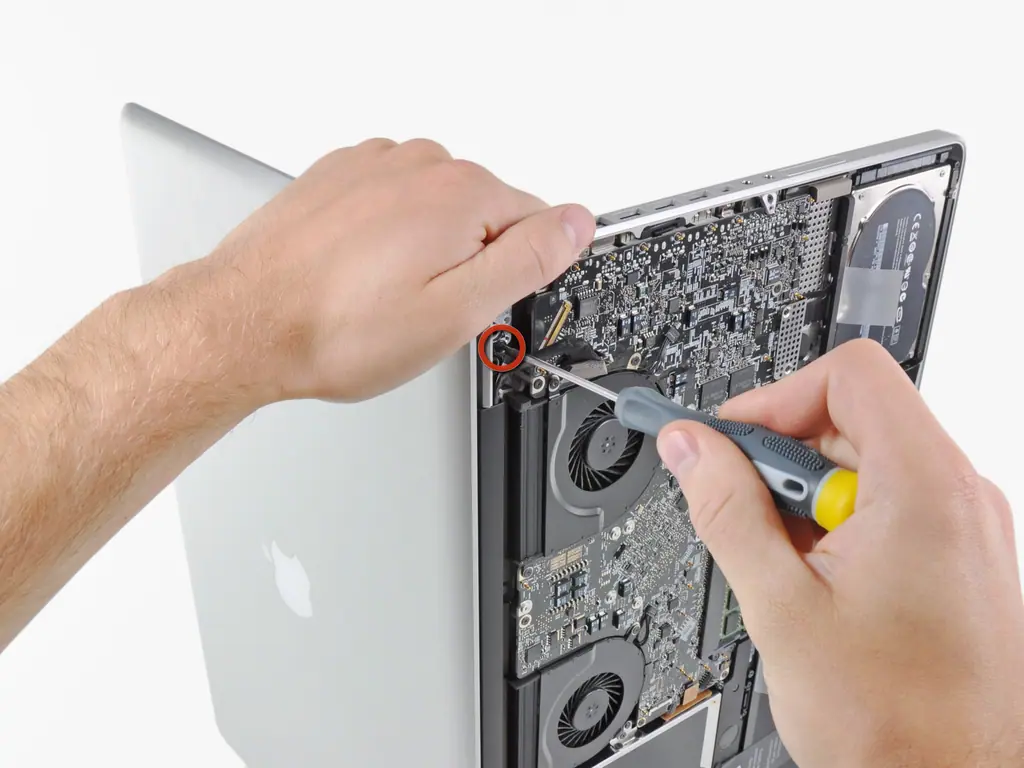
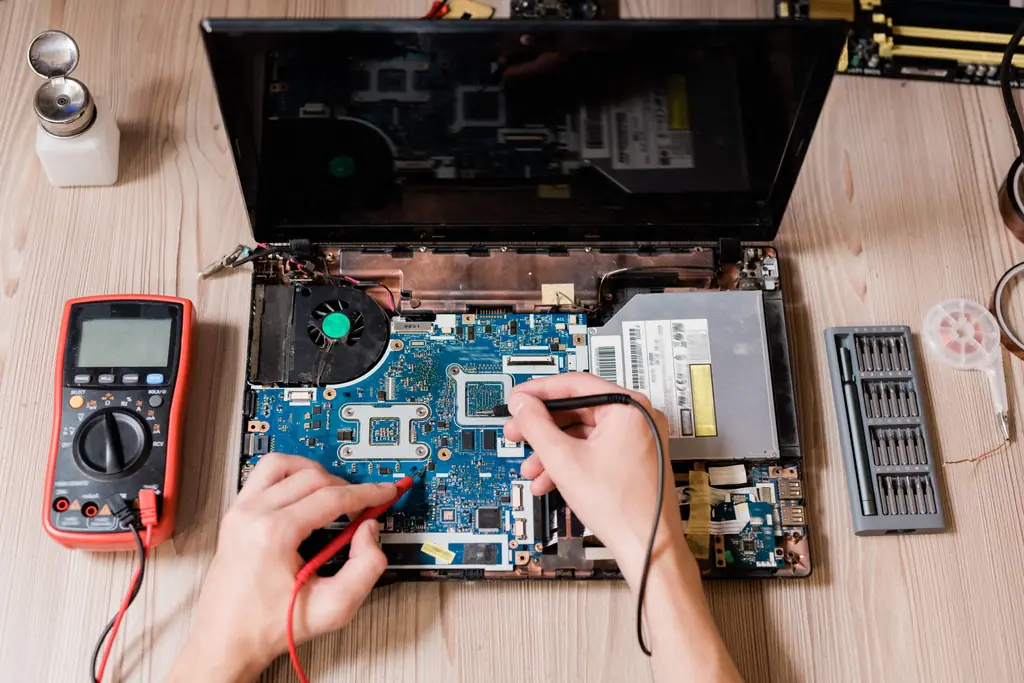
Even after a laptop “dries,” residue stays on the logic board and keeps corroding connections. We open the laptop, inspect the board and perform a chemical cleaning to remove residue and corrosion, then test and replace only what’s actually damaged, often just a keyboard or a single component.
At American Tech, liquid damage cleaning starts at $150, and students save 10%. If the laptop can’t be saved, we’ll focus on recovering your data.
What about MacBooks?
The same rules apply. Modern MacBooks store data on the logic board itself, so getting it cleaned quickly is even more important for your files. More on Mac repair.
Need a hand?
Talk to a technician at American Tech.