Guide · · 2 min read
How to speed up a slow laptop: 9 fixes that actually work.
Start with the free fixes. If your laptop is still crawling, the right upgrade usually beats buying new.
Free fixes (10 minutes)
- Restart properly. Laptops that haven’t restarted in weeks build up memory leaks.
- Trim startup apps. Windows: Task Manager → Startup apps. Mac: System Settings → General → Login Items.
- Check storage. A drive over 90% full slows everything. Delete big downloads and old videos.
- Update the OS and drivers. Updates fix performance bugs and security holes.
- Audit browser extensions. Too many (or malicious) extensions are a top cause of slow browsing.
Deeper fixes
- Scan for malware. Pop-ups, a new search engine or constant fan noise can mean adware. Virus removal.
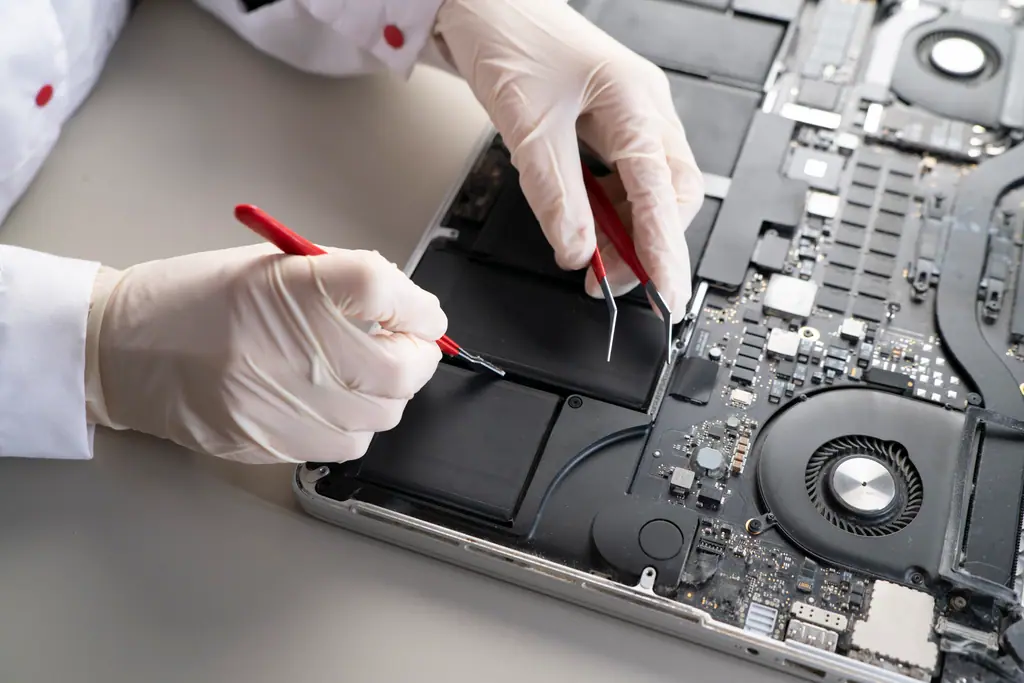
- Clean the fans. Dust makes laptops throttle their speed to stay cool. A clean and fresh thermal paste can restore full performance.
The upgrades that transform old laptops
- Swap the hard drive for an SSD. If your laptop still has a spinning hard drive, this is the single biggest upgrade you can make. Boot times drop from minutes to seconds.
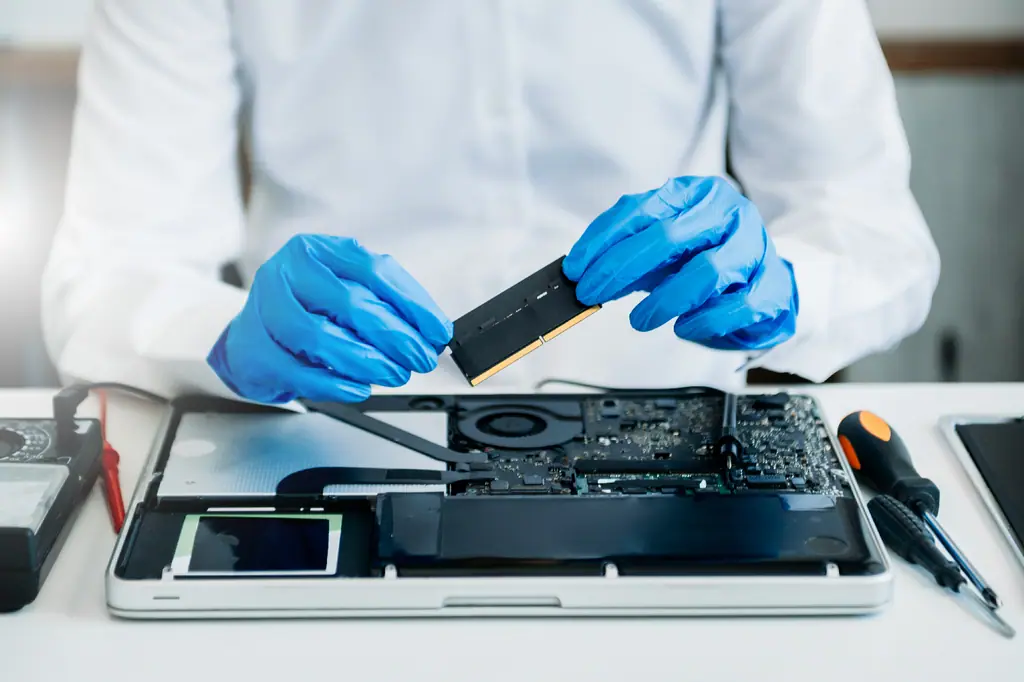
- Add RAM if your model allows it. 16 GB is comfortable for most people today.
We do SSD and RAM upgrades in Berkeley and move all your files across. Not sure it’s worth it? See repair or replace.
Need a hand?
Get your laptop running fast again.